 LocalizeASO
Install & sign in
Install LocalizeASO from the Figma Community, then sign in with your LocalizeASO account (or register on the website).
In Figma: Community → search “LocalizeASO” → Run → Sign in
Figma plugin
Step-by-step from install to App Store Connect upload. Panel previews below use the same UI as the real plugin — no outdated screenshots.
Install LocalizeASO from the Figma Community, then sign in with your LocalizeASO account (or register on the website).
In Figma: Community → search “LocalizeASO” → Run → Sign in
Open Settings (gear) → App Store Connect. Paste your API key (Issuer ID, Key ID, private key). The plugin loads your apps.
Live UI mock — matches the plugin panel
On the canvas — not inside the plugin panel:
Mark translatable text
Rename a text layer to i18n:your_key
(e.g. i18n:headline).
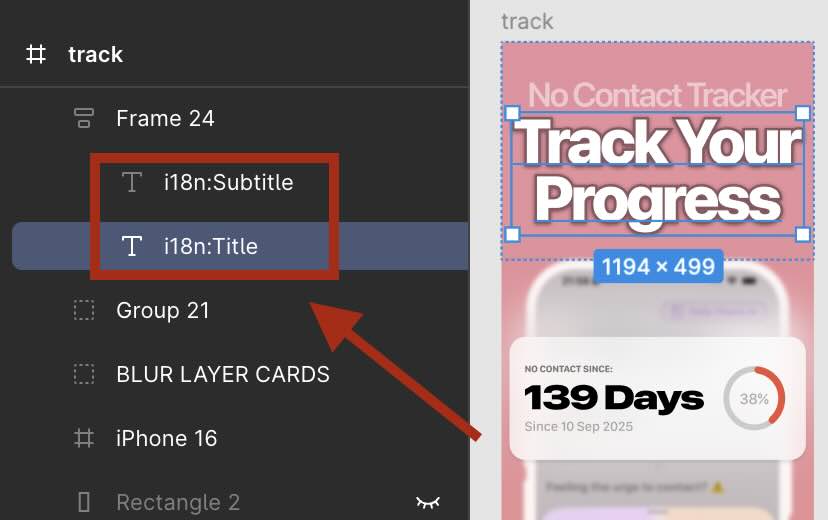
Select screenshot frames
Click one frame, or Shift + click to select several. Same device size per run.
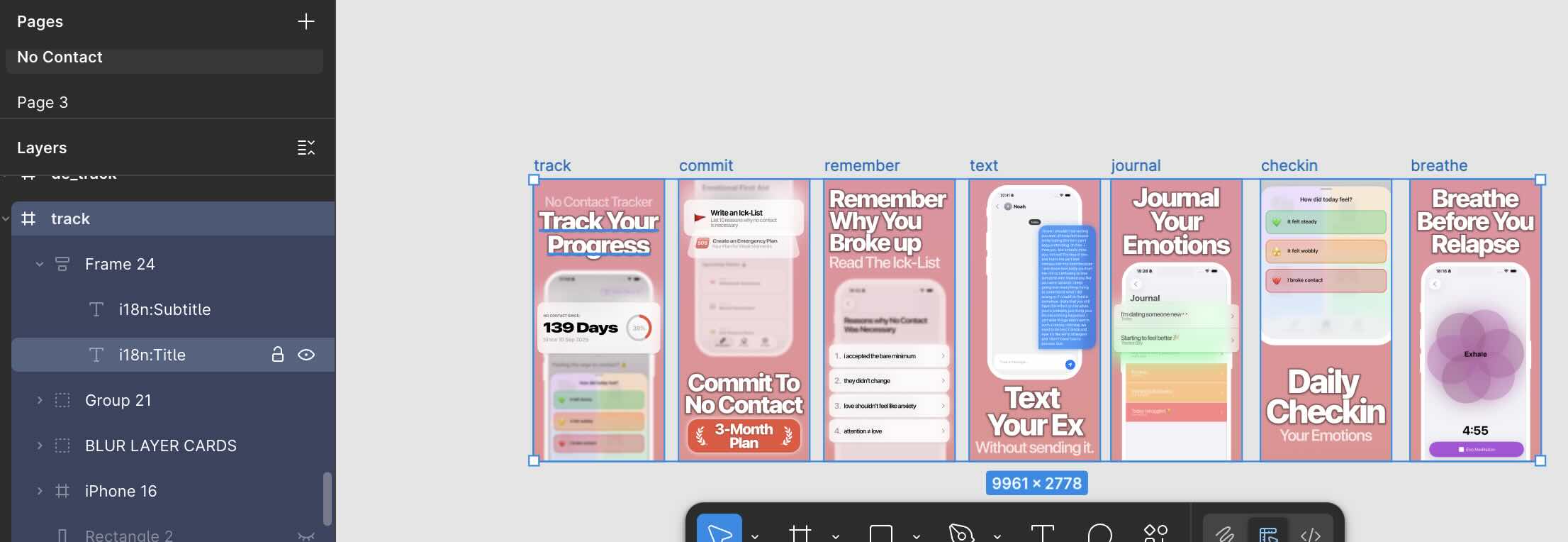
Text layout guide → for boxes, grouping, and multi-device templates.
With frames selected in Figma, open the plugin → Localize. Choose source/target languages, optional glossary & ASO keywords, then Translate.
After translation, the home screen shows Upload to ASC with a frame count. Docs
iPhone 6.9" · 1290 × 2796
Optional: device previews, glossary, ASO keywords from dashboard.
Live UI mock — matches the plugin panel
When translations are ready, open the plugin home screen and tap Upload to ASC (the count shows how many localized frames are ready). On the next screen, pick the localization job page, then Overwrite (replace set) or Attach (add to existing).
Next screen: choose a localization job, then Overwrite or Attach to push screenshots to App Store Connect. Docs
Live UI mock — matches the plugin panel
Localize
AI translation for all marked text layers in selected frames
Preview sizes
Temporary iPhone/iPad frames to check layout before translating
Upload to ASC
Push generated screenshot sets to App Store Connect
Import locales
Pull live locale list from your app in ASC
ASO keywords
Use keyword briefs from the web dashboard during translation
Delete
Remove generated localization frames from the Figma file
Ready to try it in Figma?
Get the Figma plugin