LocalizeASO
Screenshot guide
App Store screenshot best practices for ASO
Screenshots are part of the search result and conversion path. Here is how to plan the sequence, localize it, and test it with Apple tools.
Quick answer
- Screenshots are not just decoration. Apple says up to three screenshots or previews may appear in search results depending on platform and orientation.
- The first frames need to prove the query promise quickly, because they may be judged before the user opens the full product page.
- Apple allows up to 10 screenshots and up to three app previews, and previews can be localized for all available App Store languages.
- Use Product Page Optimization to test creative changes, and Custom Product Pages when different keyword themes need different visual stories.
Design screenshots for the search result first
Apple says app name, subtitle, screenshots, and more can appear in search results, and that your rating plus up to three screenshots or app previews may display depending on platform and image orientation. This makes the first frames part of the search experience, not just product page decoration.
Your first screenshot should answer the user query visually. If someone searches "receipt scanner," the first frame should show scanning, extracted data, or the finished receipt workflow. A generic dashboard usually wastes the moment.
- Put the clearest outcome in frame one.
- Use frames two and three to handle the next objection or prove the workflow.
- Keep headline text short enough to survive localization.
- Avoid tiny UI details that disappear in search result scale.
A screenshot sequence that usually works
The strongest screenshot sets behave like a compact sales page. They do not list every feature. They move from outcome, to proof, to workflow, to trust. Apple allows up to 10 screenshots, but the early frames carry disproportionate weight because they can appear before the product page is opened.
| Frame | Job | Example |
|---|---|---|
| 1 | Outcome | Plan your week in 30 seconds |
| 2 | Proof | Calendar, reminders, and habits in one view |
| 3 | Workflow | Drag tasks into the perfect routine |
| 4-6 | Feature depth | Widgets, sharing, analytics, integrations |
| 7-10 | Trust or niche use cases | Privacy, testimonials, teams, seasonal content |
Localize the message, not only the words
Apple recommends localizing screenshots, previews, descriptions, and keywords for the markets where your app is available. A localized screenshot set should adapt headline length, reading rhythm, examples, units, currencies, cultural references, and the feature emphasis that matters in that market.
This is especially important for languages where the same idea expands in character count. If your design only fits English, the localized version will either overflow or become vague.
- Write screenshot copy from the local keyword brief.
- Design text containers with enough room for expansion.
- Use local examples only when they are accurate and reviewed.
- Keep screenshots and metadata aligned so the same promise appears throughout the listing.
Test creative changes with Apple tools
Product Page Optimization is the right tool for testing alternate screenshots, app previews, and icons against your original product page. Apple Analytics reports conversion rate, relative lift, and confidence, with Apple documenting 90% confidence as the threshold for reliable result labels.
Custom Product Pages are better when the audience or keyword theme is different. Apple Ads recommends aligning custom product page assets with keyword themes, because search terms are a strong signal of intent.
Screenshot ASO checklist
- Frame one visually proves the main keyword promise.
- Frames one to three can stand alone in search results.
- Each screenshot has one job and one short headline.
- The sequence avoids feature dumping and follows outcome, proof, workflow, trust.
- Localized versions account for text expansion, examples, units, and market-specific intent.
- Product Page Optimization tests isolate one creative hypothesis at a time.
- Custom Product Pages are used for separate keyword themes or paid acquisition messages.
Sources used
The guide above is based on current Apple developer, App Store Connect, and Apple Ads documentation checked on May 21, 2026.
- Apple Developer: App Store search
- Apple Developer: Creating your product page
- App Store Connect Help: Localize app information
- Apple Developer: Product page optimization
- App Store Connect Analytics: Product Page Optimization
- Apple Developer: Custom product pages
- Apple Ads: Ad variations best practices
Product note
Keep screenshot localization tied to ASO intent
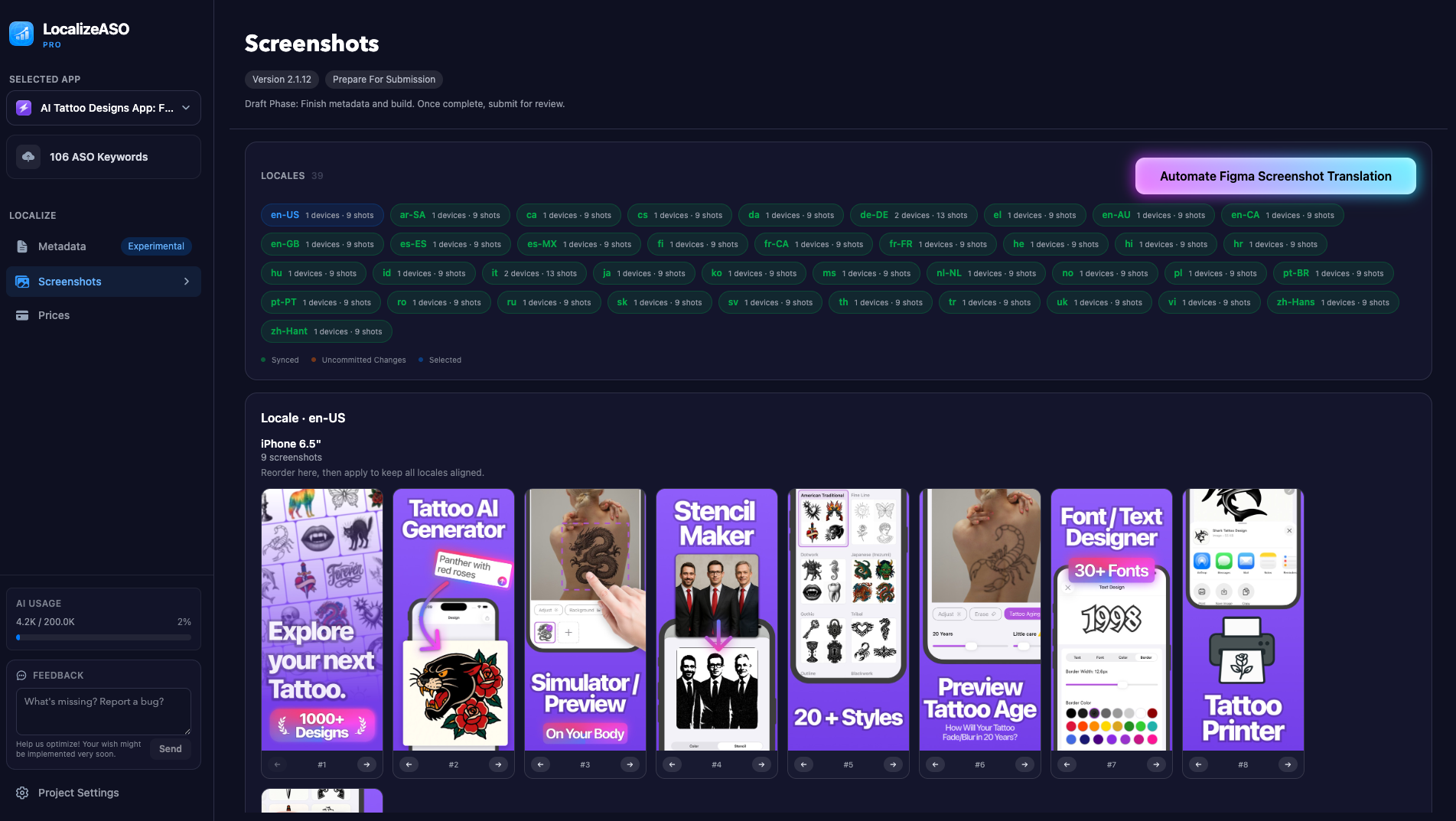
LocalizeASO can use your keyword brief to draft screenshot copy per locale, keep Figma text fitting under control, and help apply screenshot order across localizations after review.
- Use ASO keywords as context for localized screenshot headlines.
- Translate Figma screenshot frames while keeping layout fit visible.
- Reorder screenshot sets once and apply the same order across locales.